
AI has changed what businesses can expect from a productivity tool. Microsoft Copilot and Claude Cowork are both capable of taking on substantial work, but they approach that work differently. One is deeply woven into Microsoft’s productivity environment, while the other is built around giving Claude the responsibility to carry a task through.
For a business considering either tool, that difference can matter just as much as what the AI is capable of producing. In this article, we will examine the approach Copilot and Cowork take to work, the value AI adds to everyday work, and what AI adoption means for businesses.
How Do Copilot and Cowork Approach Work?
The way an AI tool approaches work shapes how it fits into the user’s day. While Copilot and Cowork can both take on a good amount of tasks, understanding where each one starts and how it works with the user is key to understanding the experience they offer.
- Copilot works with context
Microsoft 365 Copilot is built into applications including Word, Excel, PowerPoint, Outlook and Teams, using Microsoft Graph to ground its responses in information the user is already permitted to access.
This means an employee can ask Copilot to work with an email conversation in Outlook, create or edit a document in Word, analyze information in Excel or build a presentation in PowerPoint without moving the work into a separate environment.
Its context extends beyond the individual application. Information from meetings, emails, documents and other Microsoft 365 activity can become part of the context in which Copilot assists.
- Cowork works through delegation
Cowork is built around handing Claude a task rather than directing every step of the process. Users can give it a goal, choose the files or tools it can work with, and let Claude determine how to complete the assignment, while still being able to review or redirect the work as it progresses.
That delegation can continue after a single session, Cowork can continue working through a multi-step task while the user is away, and scheduled tasks can be set to run repeatedly.
What Value Does AI Add to Everyday Work?
The difference between these approaches becomes clearer when AI is applied to the activities that consume employees’ time. Email, productivity applications and creative work may look like separate tasks, but they are often connected parts of the same business process.
- AI contributes to communication
Copilot works with the context already in Outlook. Because Copilot is integrated with Outlook, it can use the information already present in an email convers
ation when helping a user draft a response, rather than requiring the conversation to be explained again.
Cowork works with email context once it has been connected. Users can give Cowork access to their email service, allowing Claude to work with the relevant correspondence when carrying out a task.
- AI contributes to productivity
Copilot works across the applications employees already use. Its integration with Word, Excel, PowerPoint and Teams means employees can bring AI assistance into different parts of their work without leaving the applications where that work is already happening.
For example, someone working on a report in Word can use Copilot within that document rather than moving the work into a separate AI tool and then bringing the output back.
Cowork works by taking responsibility for a larger piece of work. Instead of helping with one stage at a time, a user can give Claude a folder of material and a desired outcome, allowing Cowork to work through the assignment and return the completed output. This is particularly useful when the work involves several stages that would otherwise have to be managed separately.
- AI contributes to creative work
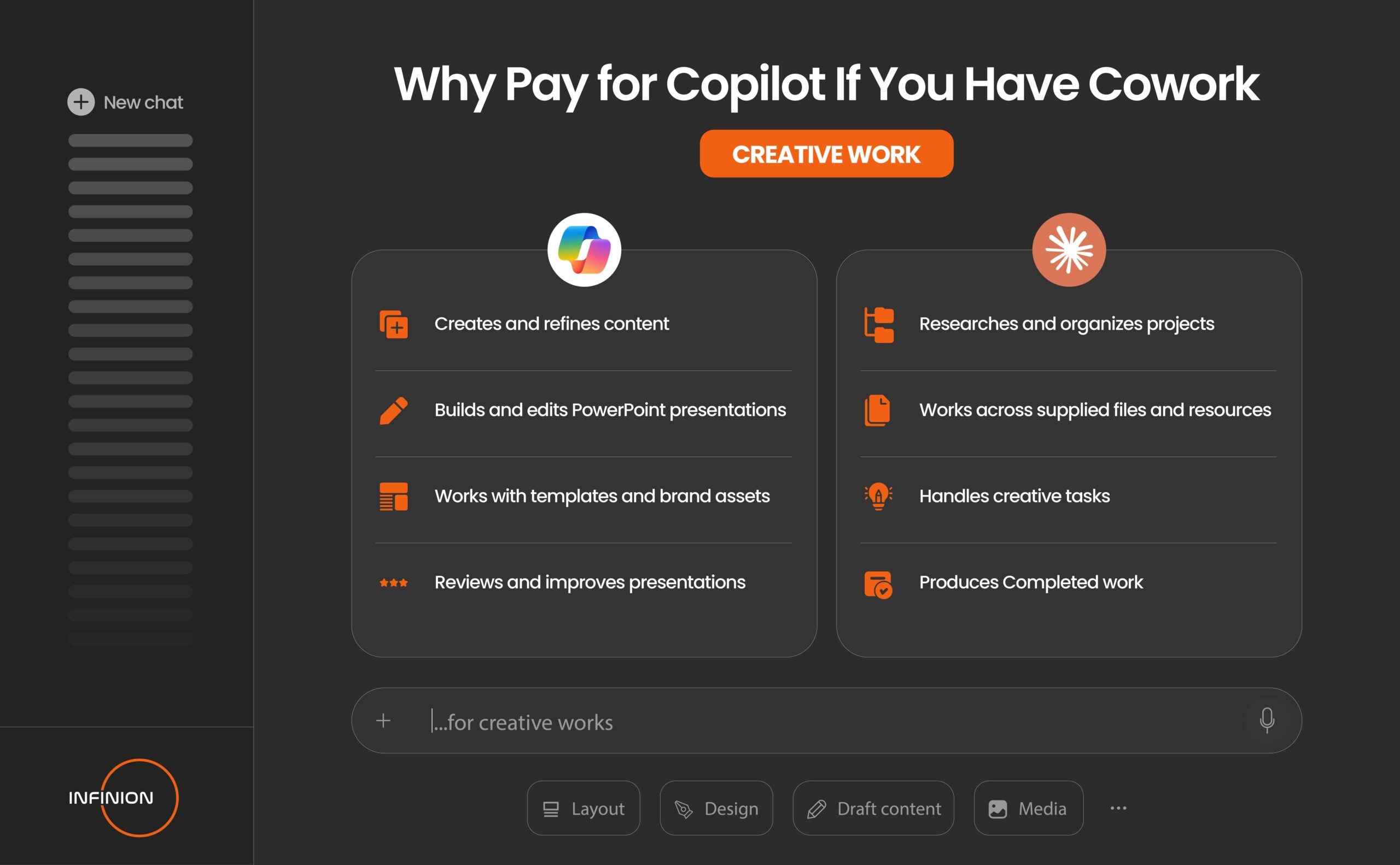
Copilot can help develop an idea into usable content. Its creative capabilities extend beyond generating a first draft; it can help users refine written content, develop visual material and make changes based on the direction they provide.
For example, a user working on a campaign can ask Copilot to rewrite content for a particular audience or tone, then continue refining the work within the document.
Cowork can take creative work from scattered material to a finished deliverable. Research, notes, reference files and instructions can be given to Claude as the starting material for a project, allowing it to work through the different stages required to produce the final output. For a research-heavy creative project, that could mean turning a collection of source material into a structured presentation or report.
What Does This Mean for Businesses Adopting AI?
The decision becomes more complicated when AI moves from an individual employee’s tool into an organization’s technology stack. At that point, integration, control and the ability to scale the technology matter alongside the quality of the work it produces.
- Integration into existing workflows
For a company already operating through Microsoft 365, Copilot sits inside an environment that employees already know. Since work already happens in most Copilot-integrated apps, Copilot adds AI capabilities to those workflows. Microsoft also supports connectors that allow Copilot to access information from other business systems. For example, if a company keeps customer information in a separate CRM, that information can be connected to Copilot so employees can use it alongside their Microsoft 365 work.
Cowork can also be connected to the tools a business already uses, including Microsoft 365, Slack and Google Workspace. Once those connections and the necessary permissions are set up, Claude can use information from those services when carrying out a task.
- Security and organizational control
As AI begins to work with company information and perform tasks on behalf of employees, businesses need to decide what the AI can access, what it can do and who can use it.
With Cowork, administrators can control which tools Claude can access and manage permissions across the organization. For example, a company can decide which employees or teams are allowed to use particular connected tools and monitor how Cowork is being used.
Copilot works within Microsoft’s existing security and permission structure. In simple terms, Copilot does not automatically gain access to everything inside a company’s Microsoft 365 environment just because the company has Copilot. It works with the information that the individual user already has permission to access. So if an employee cannot access a particular SharePoint document, Copilot will not suddenly give that employee access to it.
- Scalability and business value
For some organizations, the most valuable capability may be having an AI assistant already embedded in the applications employees use every day. For others, the greater opportunity may be handing an agent a substantial piece of knowledge work and allowing it to research, organize and execute that work with less supervision.
The more useful consideration is where the organization’s work already lives, how employees need AI to participate in that work and how much responsibility the business is prepared to give an AI system.
In conclusion, Cowork is an AI coworker built around delegation, allowing users to hand over substantial tasks and have Claude work through them while Copilot is more of an AI assistant woven into the Microsoft 365 environment, where it can work with the context surrounding the user’s everyday work. As businesses continue to explore what AI can bring to the workplace, examining how well these capabilities translate into their own business environment remains really important.
As a certified Microsoft partner, INFINION help businesses take the next step by designing and implementing AI solutions that align with their operations and ensuring technology delivers measurable value where it matters most.